Your career,
in your pocket.
AI-matched jobs, one-tap apply, live application status and an AI career buddy — for job seekers and hiring teams on the move.
AI career buddy
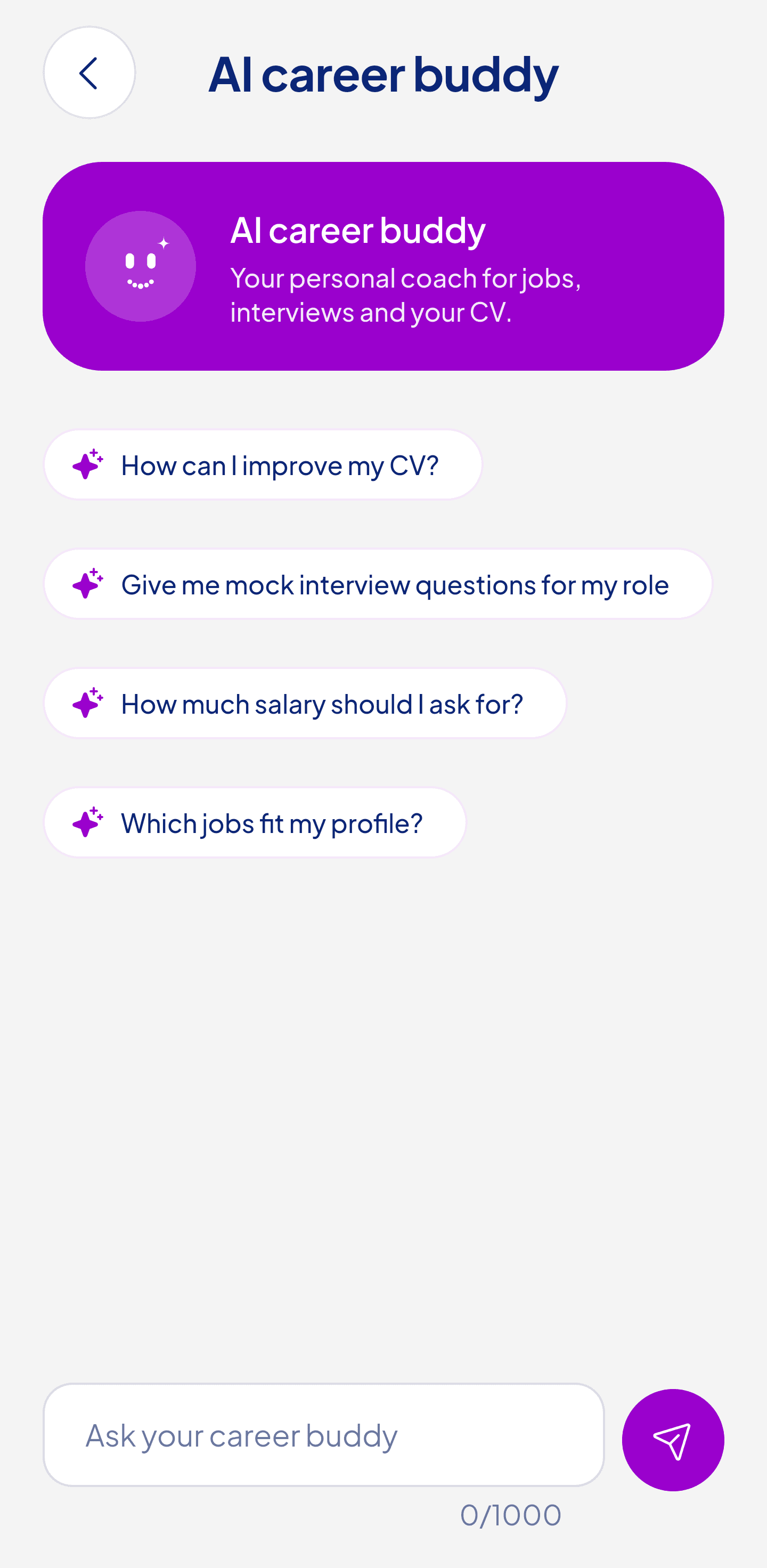
“Which jobs fit my profile?”
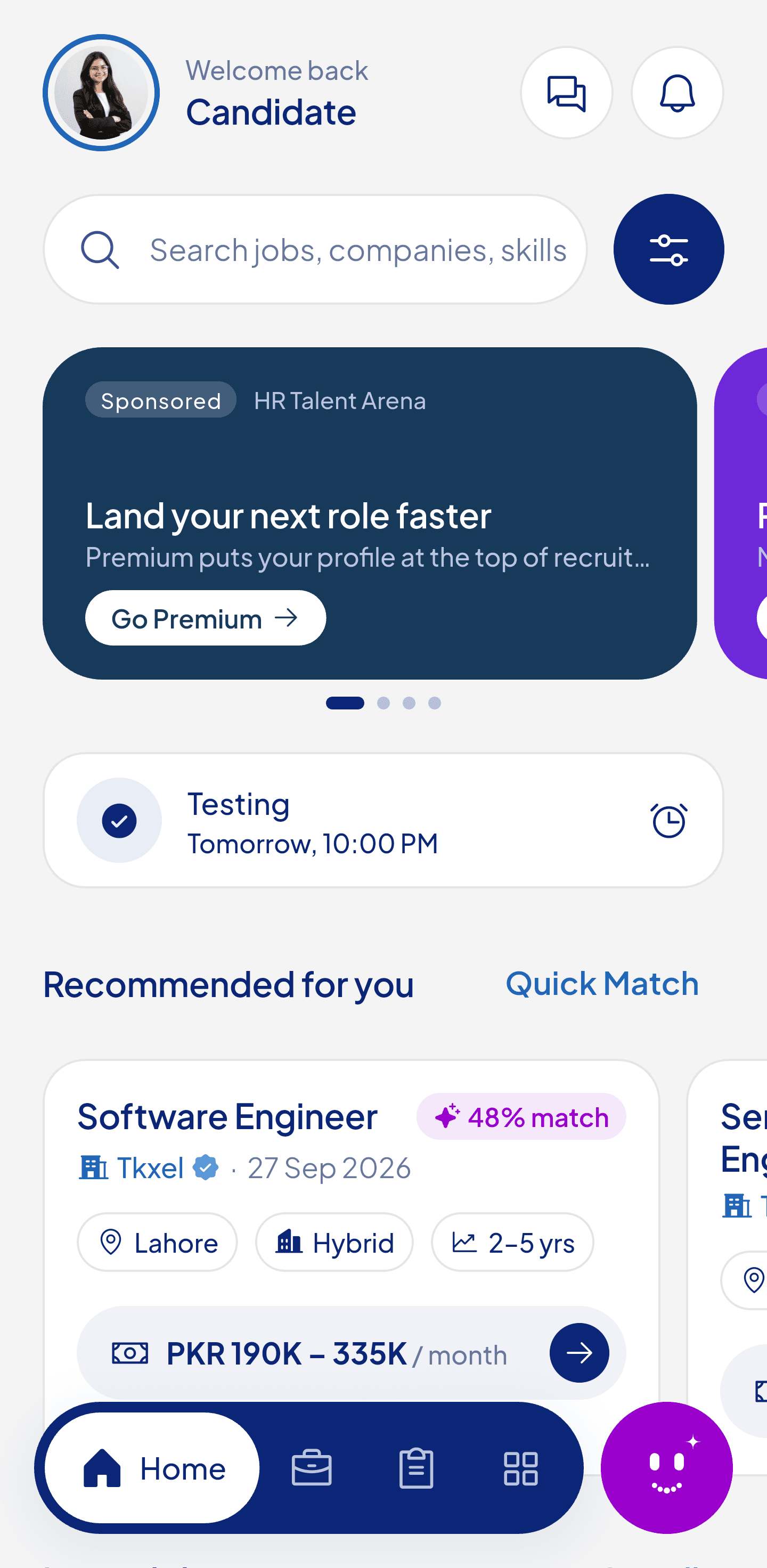
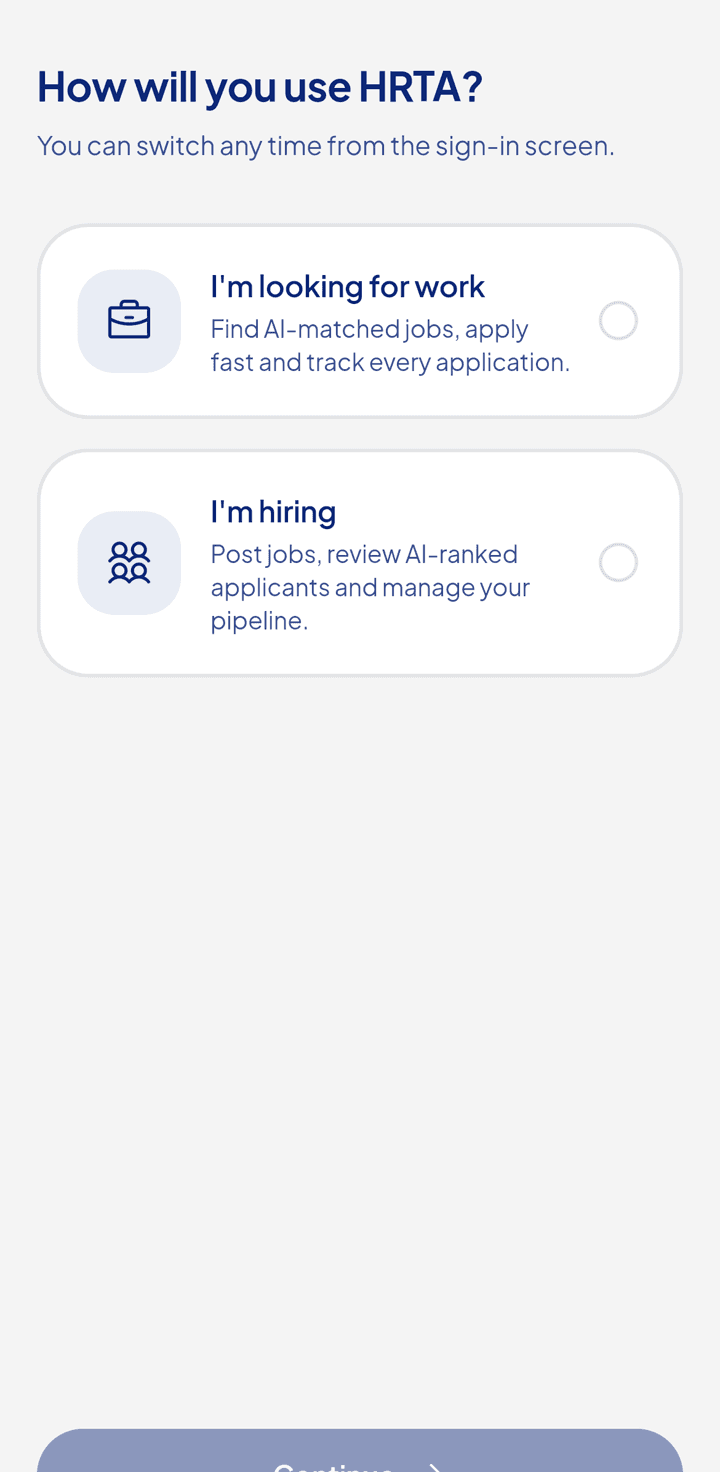
Real screens from the HRTA app. One app, two roles: choose I'm looking for work or I'm hiring when you sign in.
Real screens, not renders
Captured from the HRTA app.
Every phone on this page shows the live app with a demo account: home, the AI career buddy, the career planner and your shareable portfolio.
Android and iOS
One app. Both platforms.
The HRTA app is built once in Flutter for Android and iOS, so candidates and recruiters get the same features on either phone.
Foldables
Unfold it. See more of your search.
On a foldable, two screens sit side by side: your matches next to a job, or your profile views next to the AI buddy.
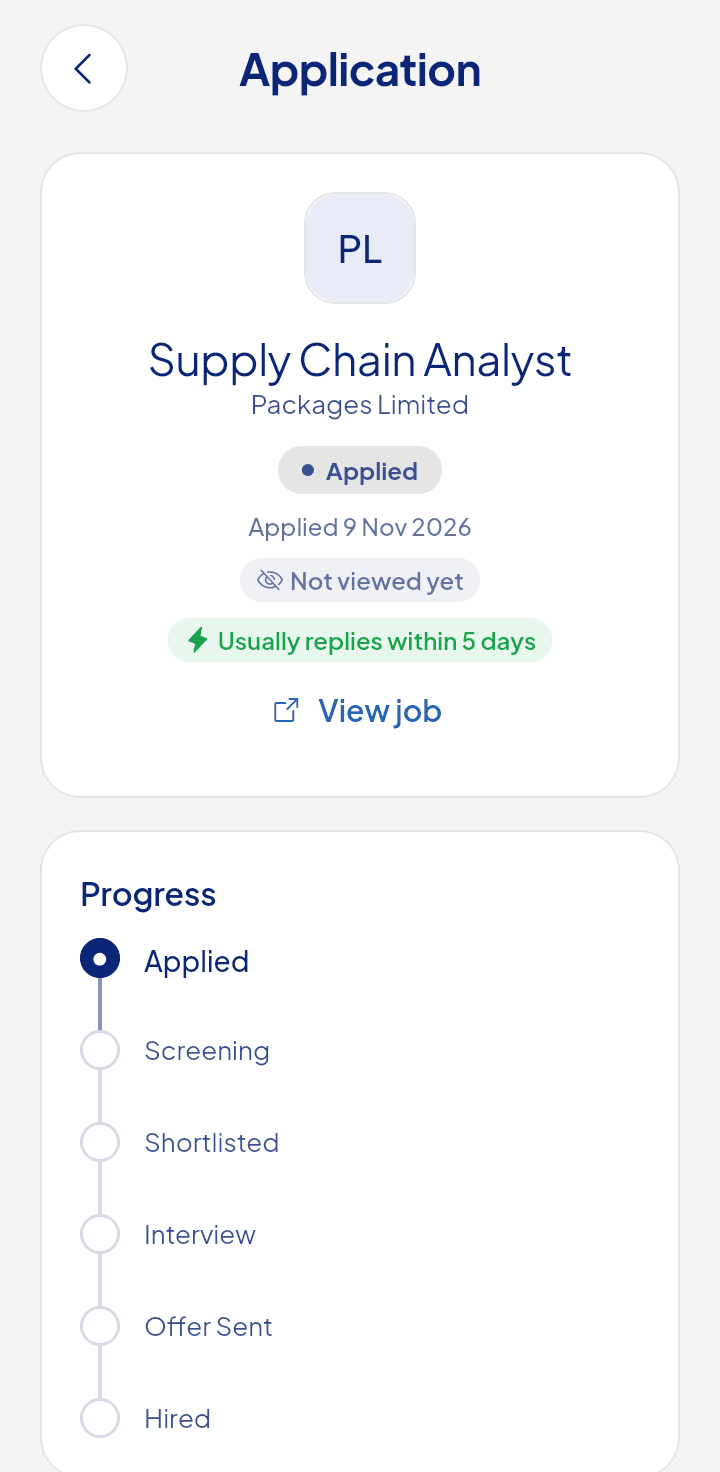
Application tracking
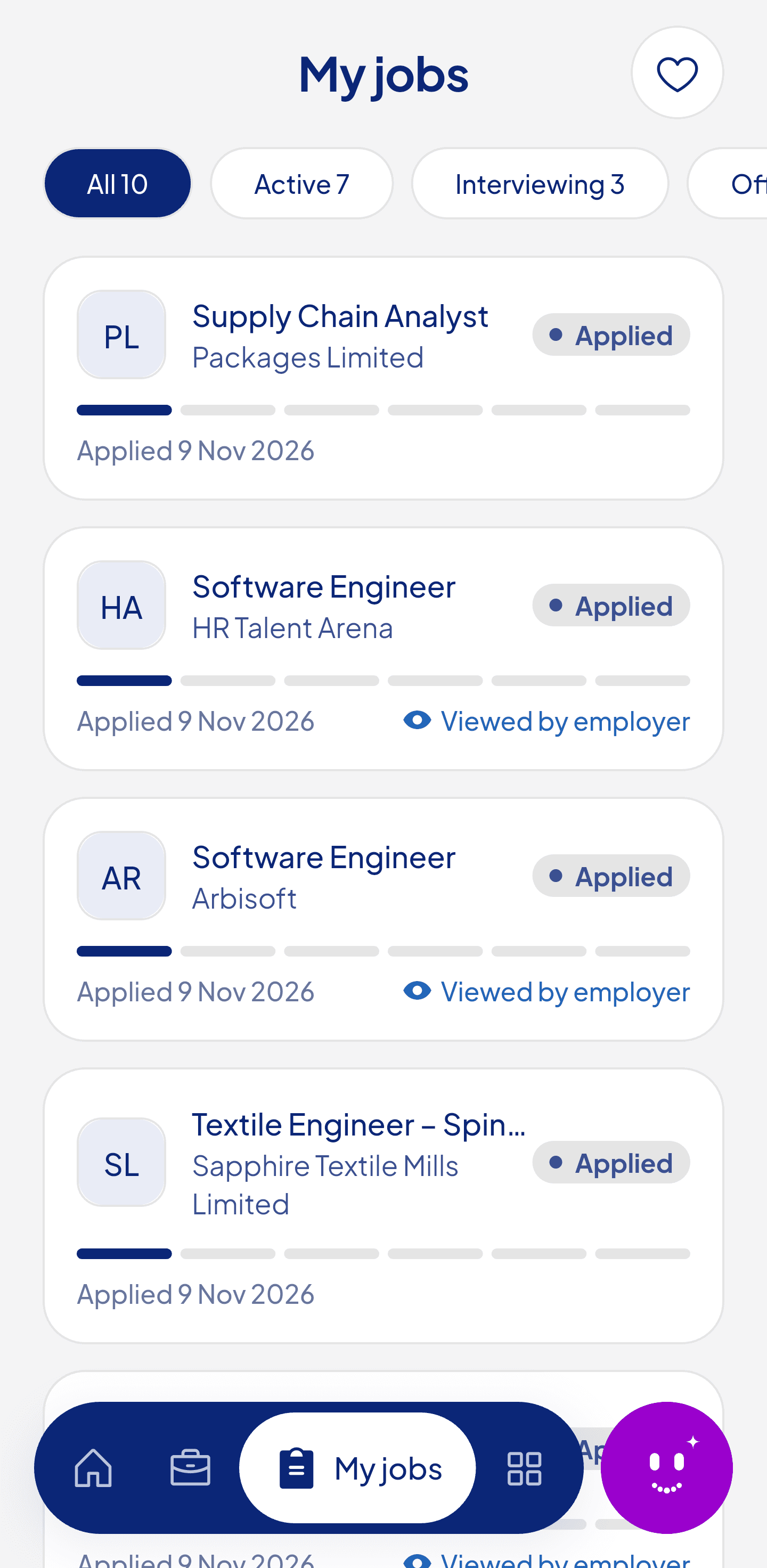
Every application, and exactly where it stands.
My jobs lists every application with its stage. Open one to see the full progress, whether the employer has viewed it and how fast they usually reply.
For job seekers
Everything after “Apply”, visible.
Scroll through each screen to see it in action: applying, a stage moving, a chat with the hiring team, the AI buddy and the career planner.
Apply with your match in view
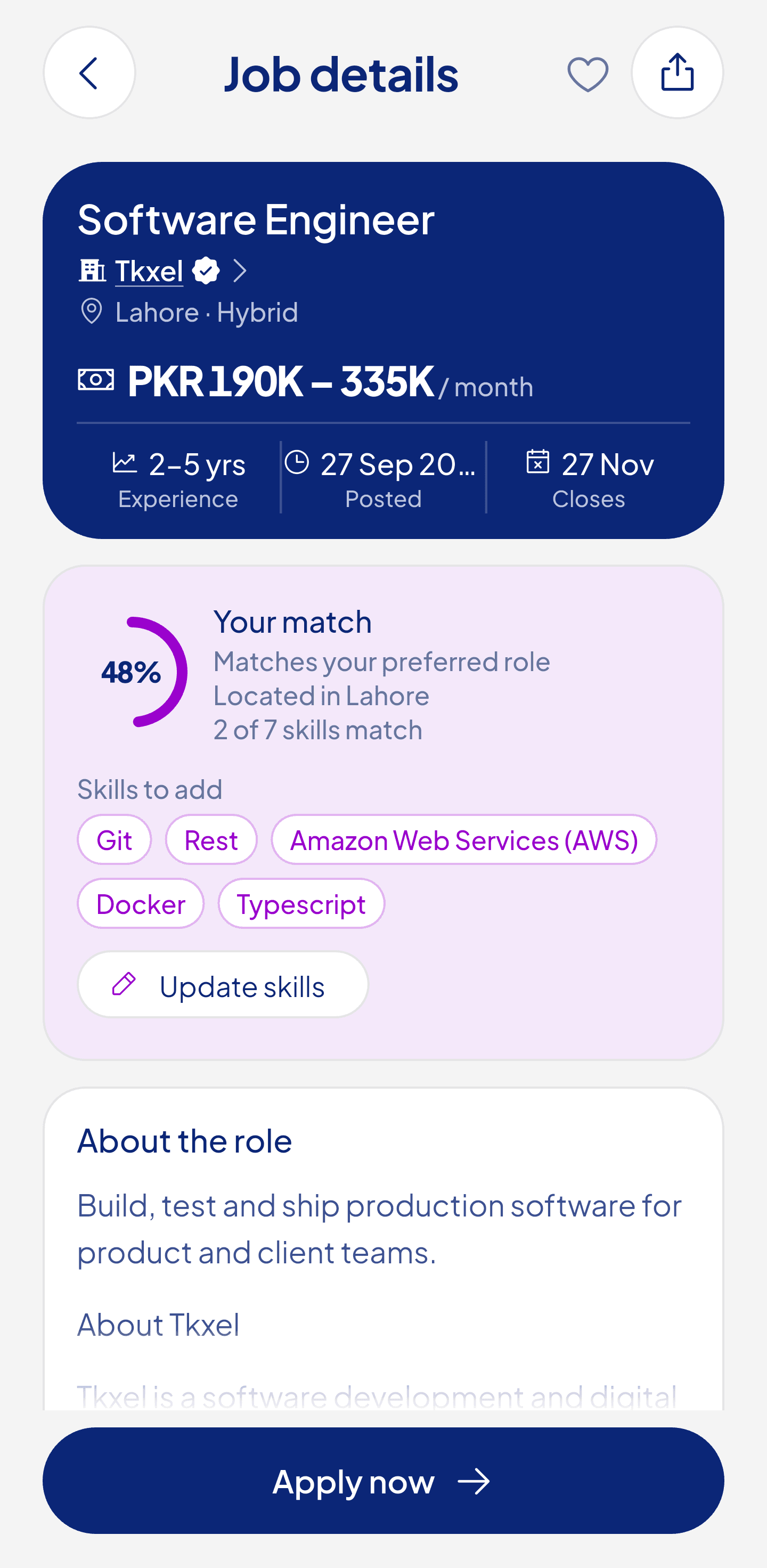
Every job shows your match score and the skills to add, then one tap applies with your profile and CV.
Live application status
When the employer moves you, the stage updates and you get a notification.
Chat with the hiring team
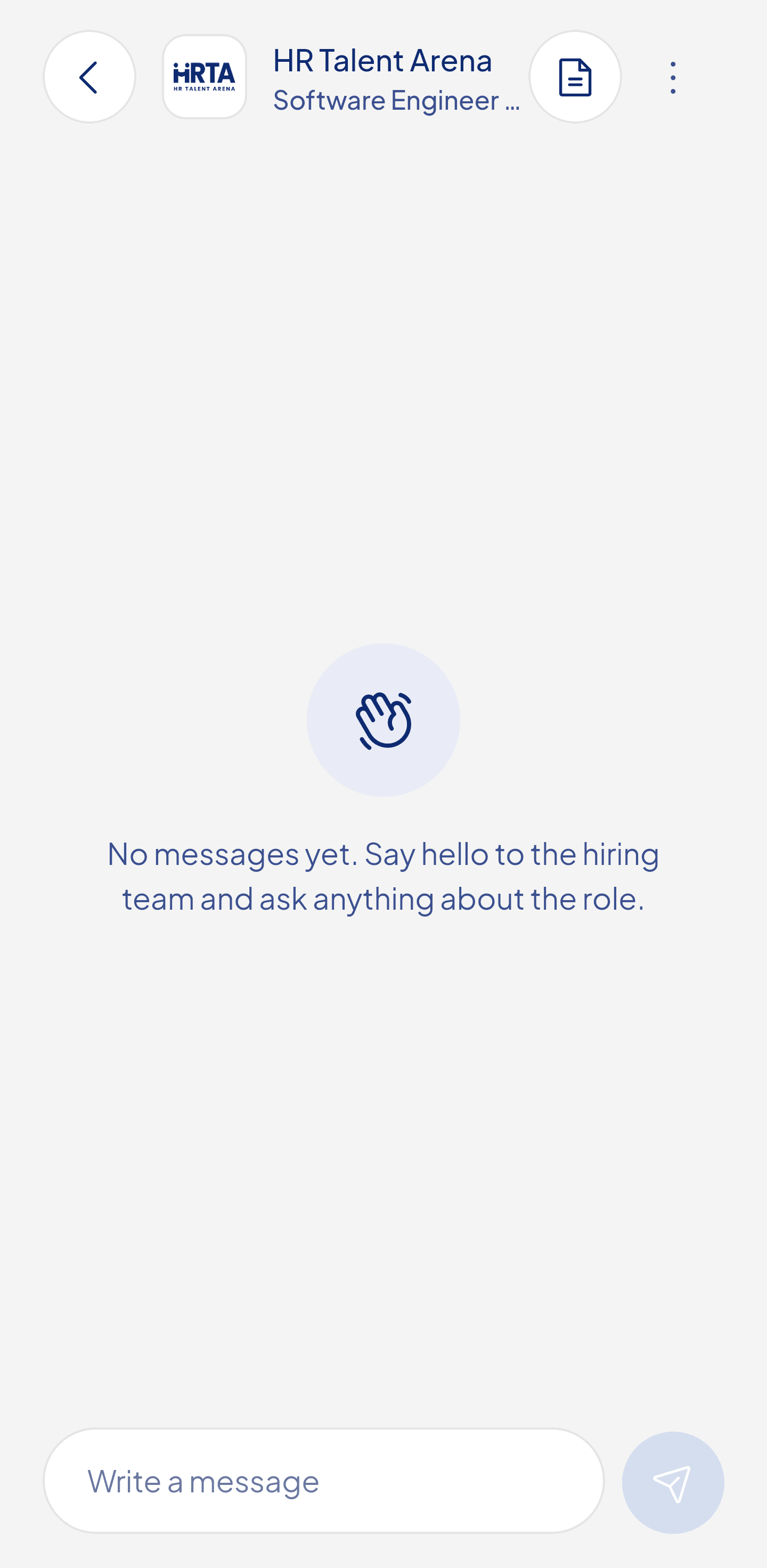
Message the employer from the application, and get interview invites in the same thread.
AI career buddy
Ask about your CV, salary or which jobs fit, answered from your own profile.
Career planner
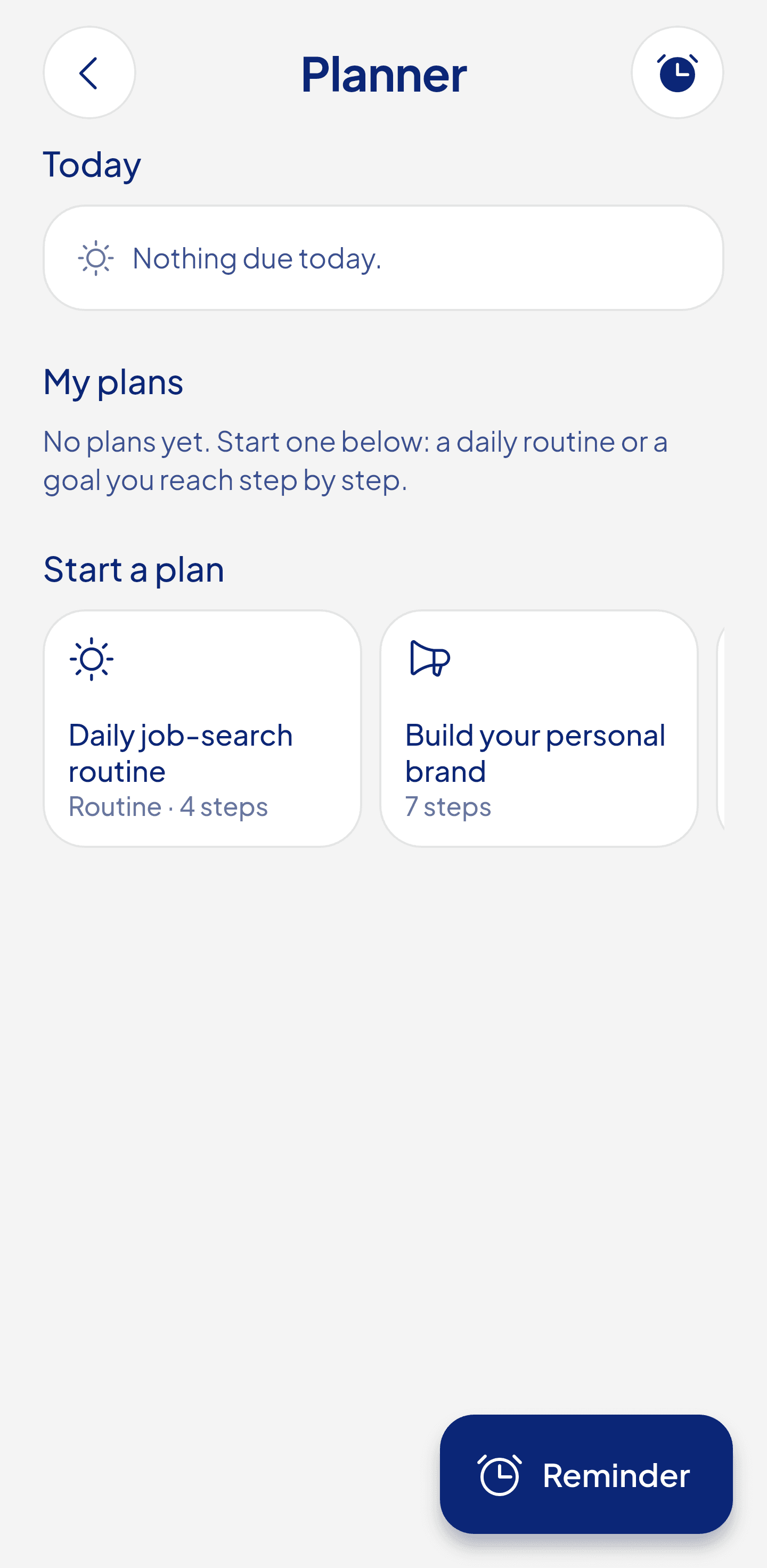
Start a daily job-search routine or a goal, step by step, with reminders.
Share your portfolio
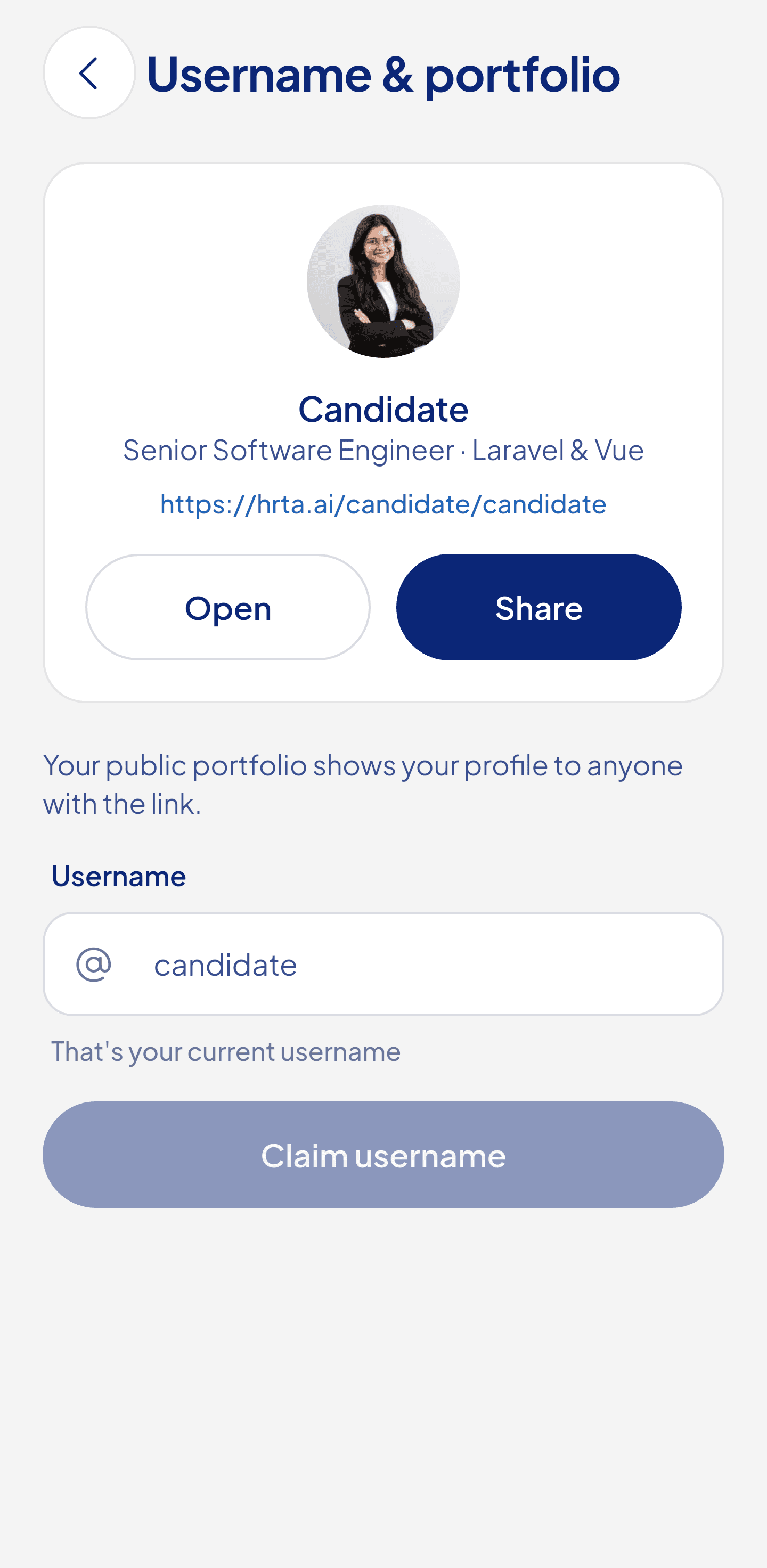
One link for LinkedIn and WhatsApp. Your AI buddy answers employers who visit it.
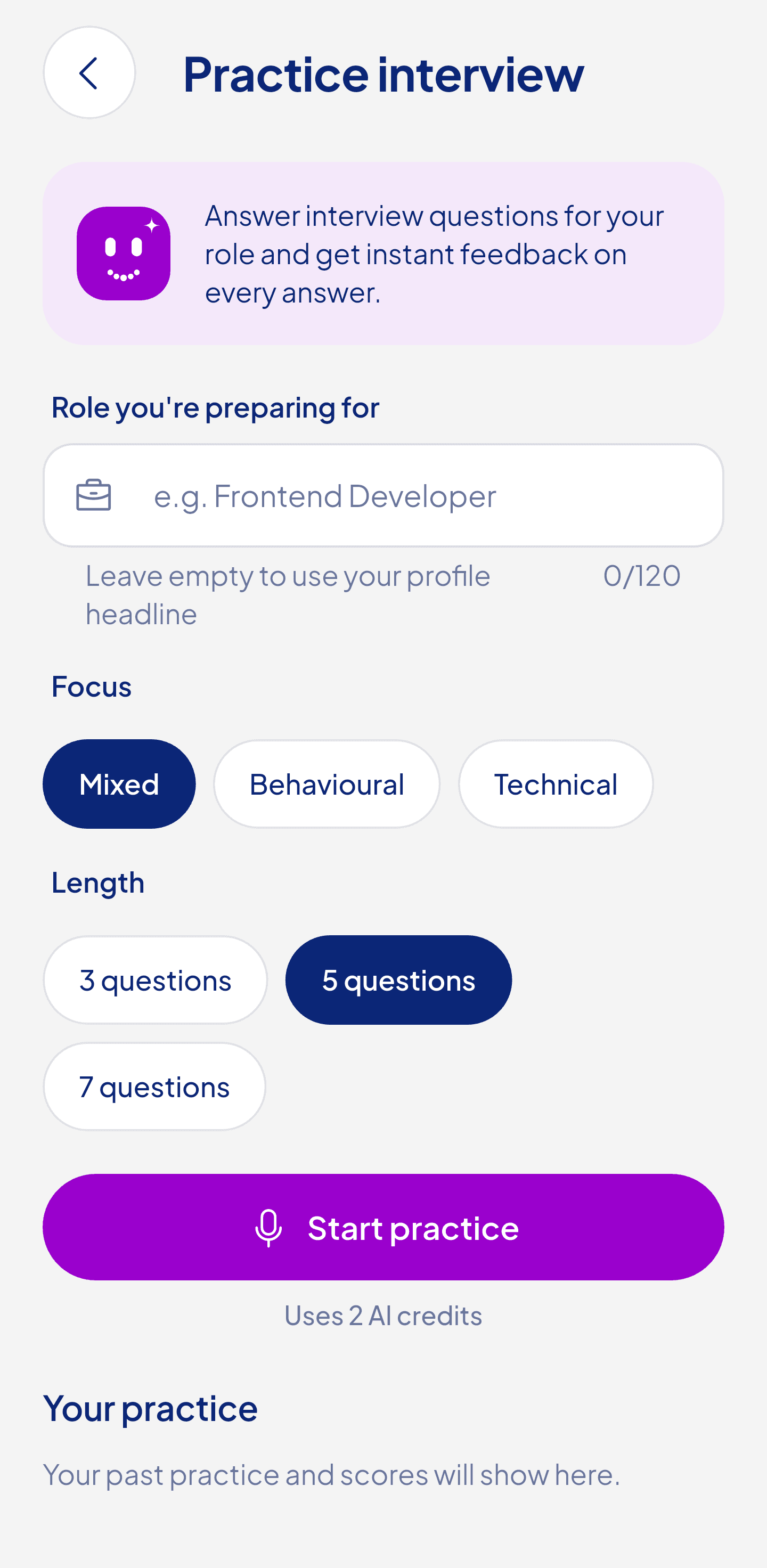
Practice interview
Pick a role, focus and length, then get feedback on every answer.
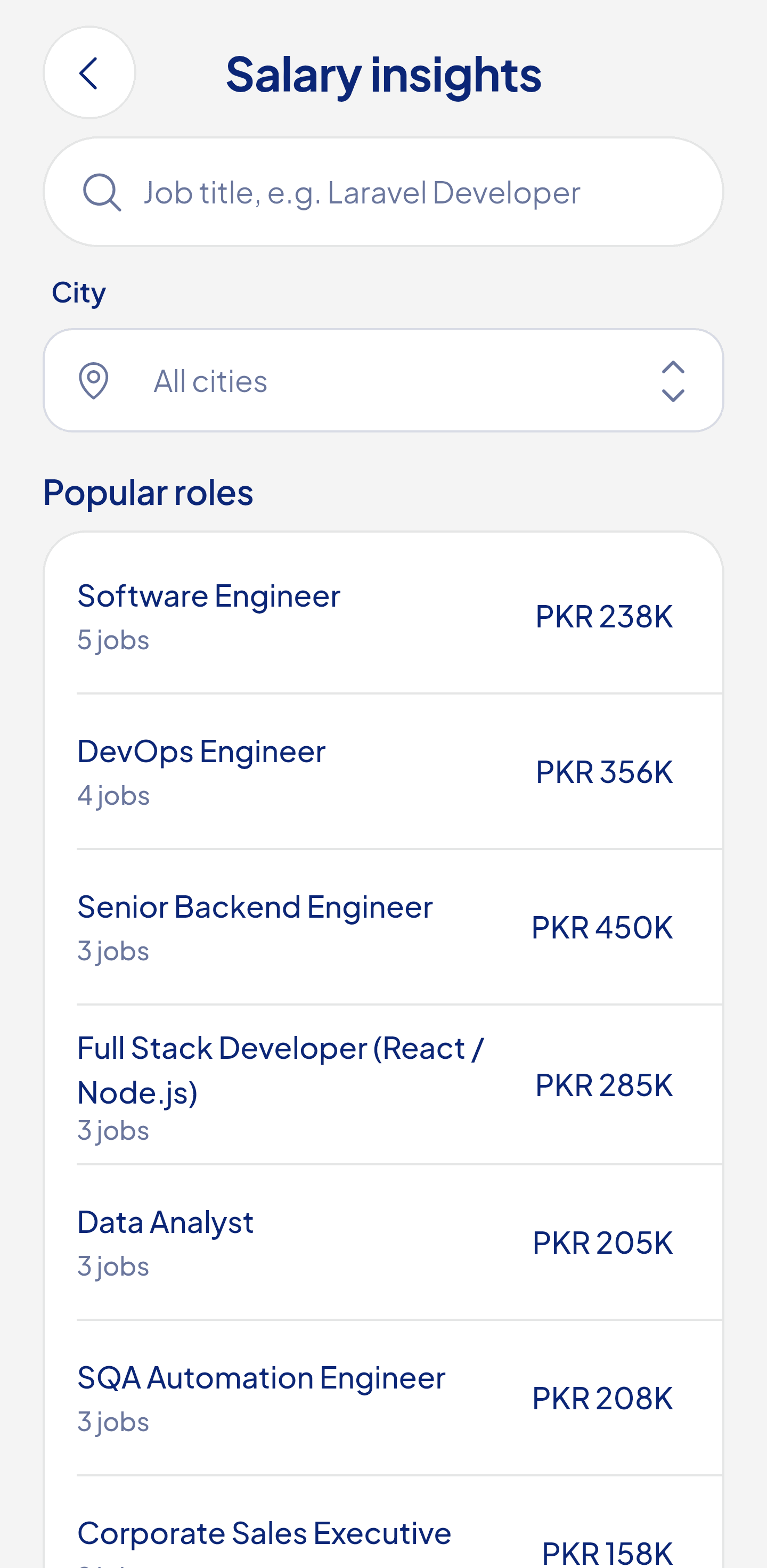
Salary insights
What roles pay in Pakistan, by title and city, from live job data.
Profile views
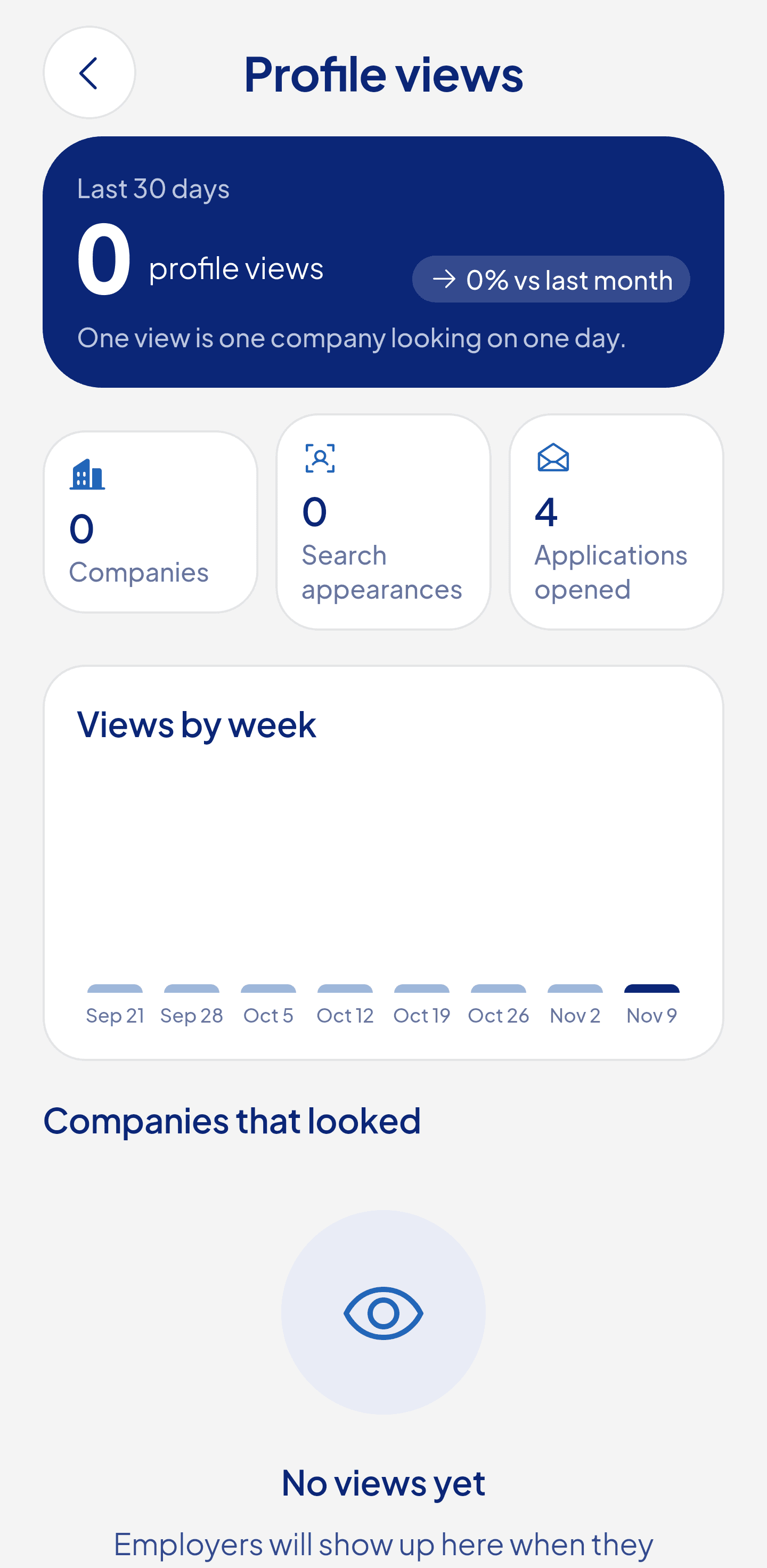
See which companies looked at your profile and how often you appear in searches.
For hiring teams
Your pipeline doesn't stay at the desk.
The employer side of the app brings your dashboard, jobs, pipeline, interviews and task board to your phone, with the same data as HRTA Cloud.
- Dashboard
- Jobs & applicants
- Pipeline
- Interviews
- Task board
- Talent search
Product screens shown with demo data.